
1 · Build from HubSpot context
Start from the deal or contact. Prefill who signs and what the agreement is about — then place fields like any other send.
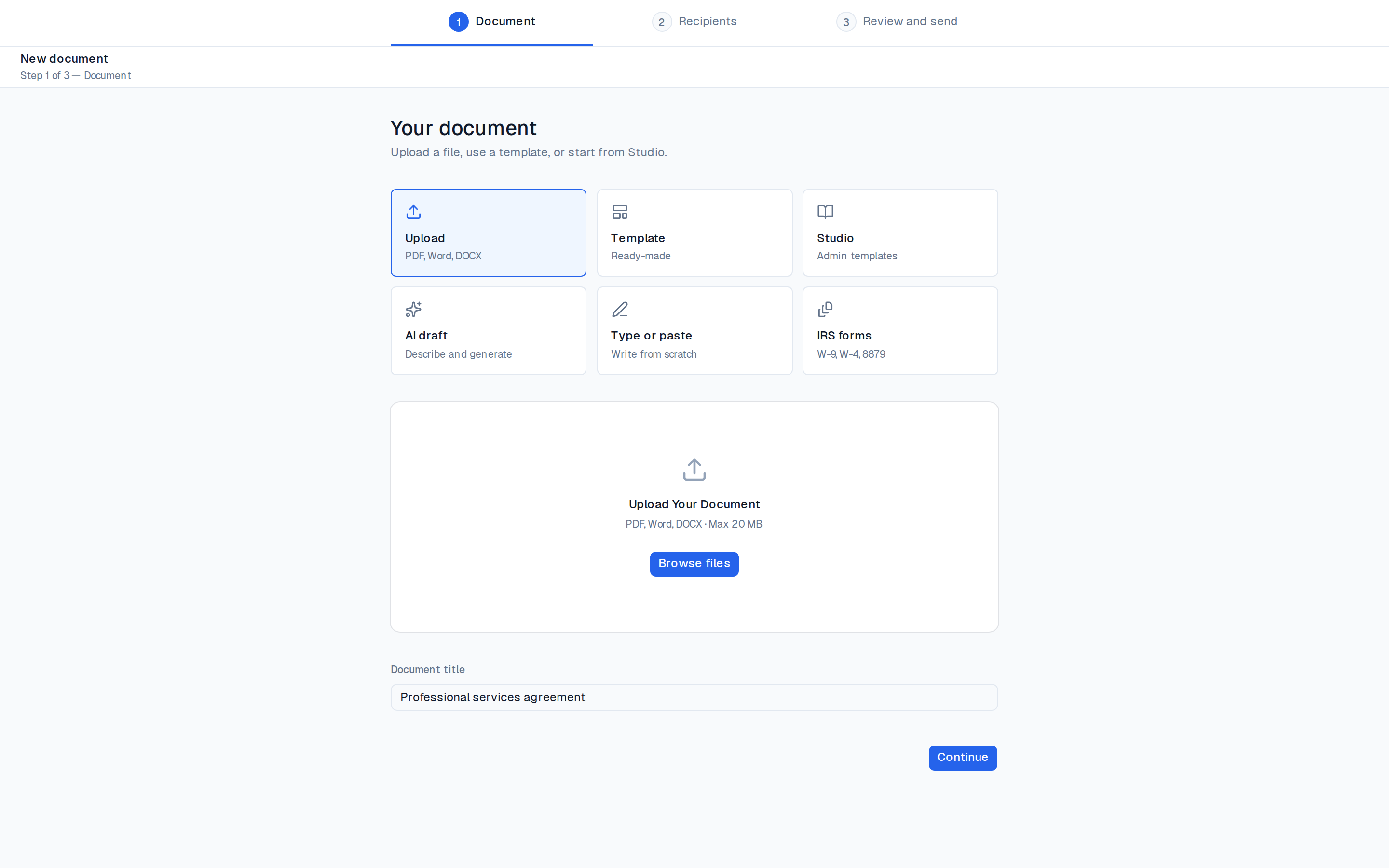
Pull deal data, create the agreement, send for signature, and file the sealed PDF and evidence back on the deal — without leaving HubSpot.
Prefill from the deal, send a clean signing link, file evidence back where sales already works.
Start from the deal or contact. Prefill who signs and what the agreement is about — then place fields like any other send.
They get a clean signing link — no HubSpot login required. You see status update as they open and complete.
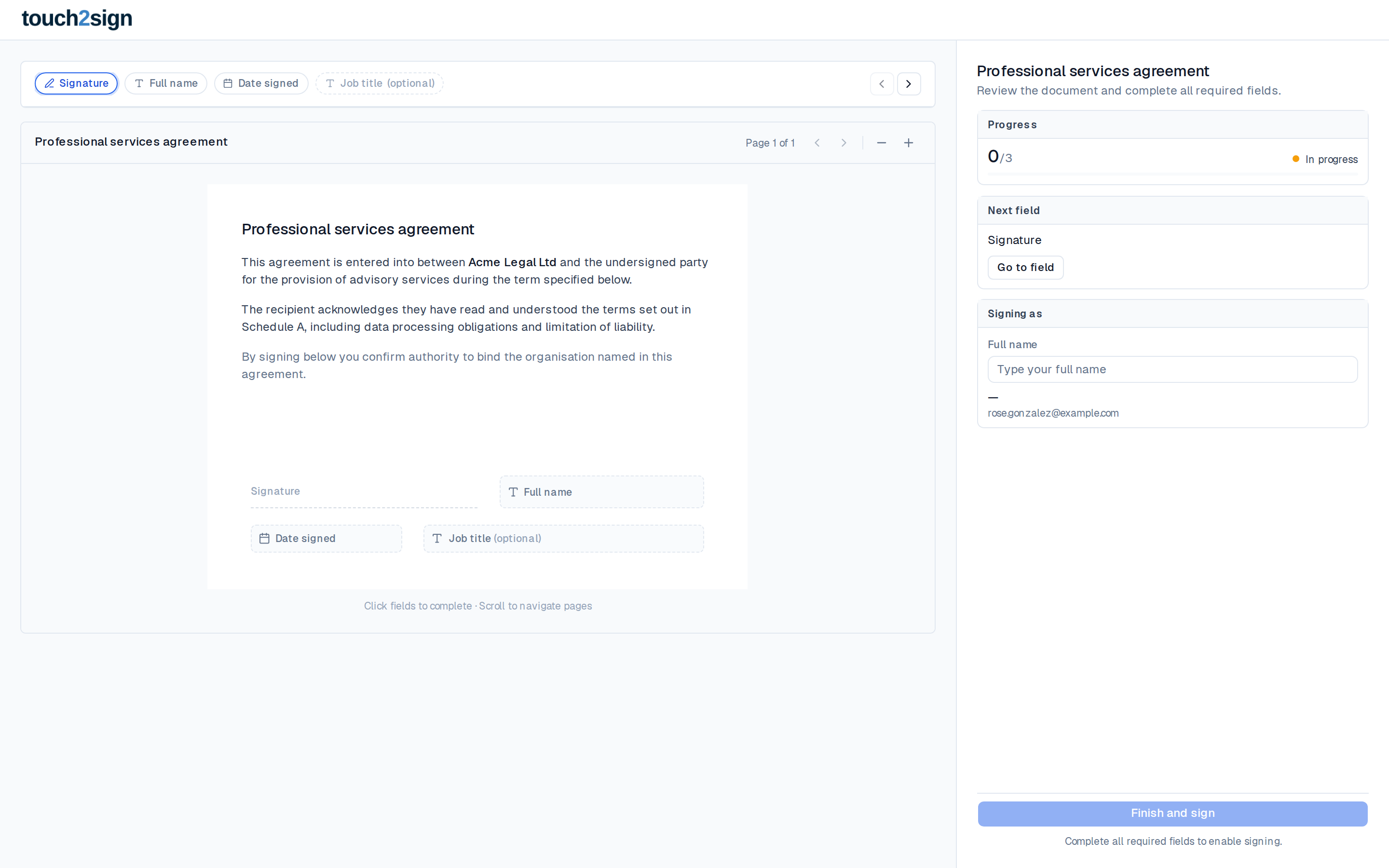
Sealed PDF and evidence land on the HubSpot record so CS, finance and legal share one source of truth.
The goal is CRM-speed closing: fewer downloads, fewer copy-paste mistakes, and a sealed record where the deal already lives.
Names, amounts and contacts come from the deal — not a spreadsheet retype.
Create, send and track from HubSpot. Status stays visible on the record.
Signed PDF and audit pack land back on the deal automatically.
AE opens the deal → Touch2Sign fills company, contact and amount → sends MSA → sealed PDF files back when signed. Pipeline stage can move on complete.
Proposal won in HubSpot → SOW template + line items pulled in → client signs on phone → evidence sits on the deal for finance and delivery.
Keep the conversation in CRM. Send the pack from the contact record, track opens, and park the signed copy where the team already looks.
Same HubSpot loop for grants and partners — without a separate signing mailbox or shared drive scavenger hunt.
Populate the agreement from CRM fields.
Close the loop with evidence on the deal.
Start with simple eSign, then turn on the CRM loop when your team is ready.
Start free → How it works